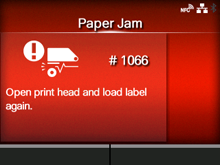
CL-NX Error Message 1066 (Paper Jam) (CL4NX Only) Miho 16 May 2026 09:56 Updated When there is an error with the product, the error message appears on the screen. Check the cause and countermeasure, and then take appropriate action. To clear the error: Unlock the print head and load the media again. Cause and Countermeasure Reference Cause (1) The media has jammed. Countermeasure (1) Remove the jammed media. Refer to the video for loading the media, for the media path, and for the operation of each part inside the product. Loading the Media Cause (2) The media is not loaded correctly. Countermeasure (2) Load the media correctly. Load the media so its leading edge is further forward than the cutter blade. Loading the Media [01-01457-EN]