
|
1.
|
 power button on the operator panel until the LED lights up in blue to power on the product.
|
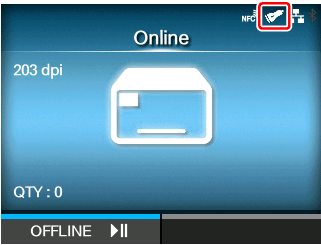
Once the connection between the product and the barcode checker is complete, the barcode checker icon appears on the status bar of the display.
|
2.
|
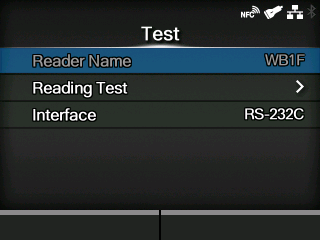
 button on the operator panel to change to Offline mode.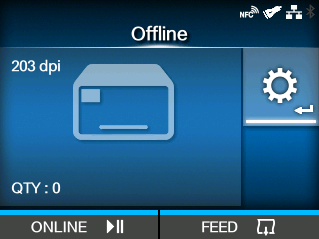
 button to show the
 /
/ buttons to select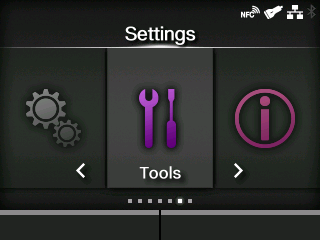
 /
/ buttons to select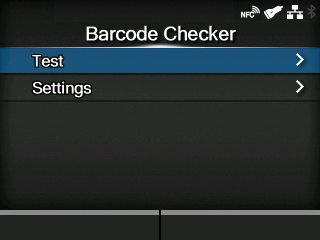
|
6.
|
 button to start reading the barcodes.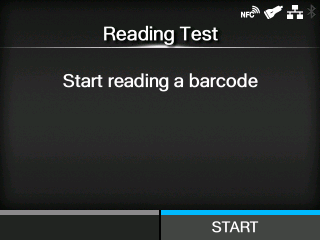
If reading is successful, the barcode type and data read are displayed on the screen. Only the first 23 bytes of data are displayed.
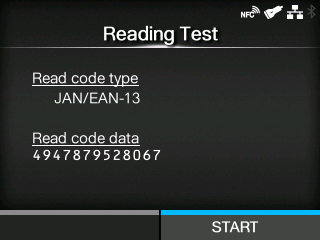
If reading is unsuccessful, or the displayed results of the read are not correct, adjust the position of the barcode checker by using the barcode checker stand. For details on how to use the barcode checker stand, refer to the Barcode Checker Stand Kit Installation Manual that came with the barcode checker stand kit.
[02-01472-EN]