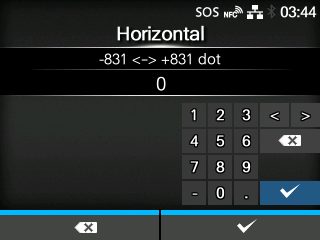
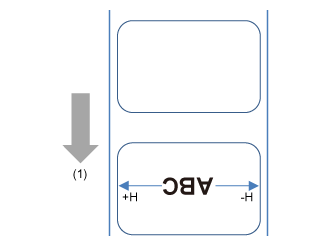
Set the print position in the horizontal direction.
Set the correction value from the standard printing position when facing the product, use "-" to adjust to the right side and "+" to adjust to the left side.
The setting range varies depending on the print resolution of the product.
The setting range is as follows:
|
|
|
If [Head Base Position]is [Standard]
|
If [Head Base Position]is [Left-justify]
|
(1 dot = 0.125 mm (0.0049"))
|
|
|
|
(1 dot = 0.083 mm (0.0033"))
|
|
|
|
(1 dot = 0.042 mm (0.0017"))
|
|
|
|
[02-01537-EN]