
When using one of the KEYENCE barcode checkers (BL-1301, SR-710), modify the barcode checker's operational settings so that it can communicate with the product, and then connect it to the product. After connecting the barcode checker to the product, change the[Interface]setting of the RS-232C interface to[RS-232C Reader]on the product. With this setting, the product can detect the barcode checker and automatically connect with it according to the barcode checker's interface settings.
|
1.
|
 power button on the operator panel until the LED lights up in blue to power on the product.
|
2.
|
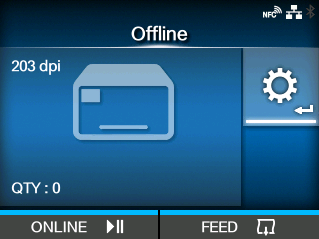
 button to show the
 /
/ buttons to select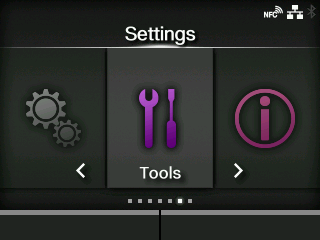
 /
/ buttons to select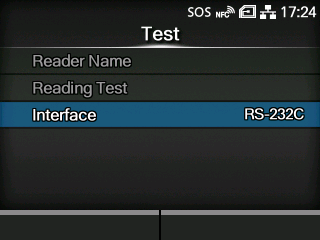
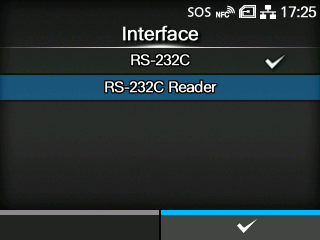
 button to save the setting value.
 button to change to Offline mode.
|
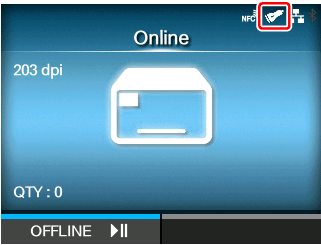
Once the connection between the product and the barcode checker is complete, the barcode checker icon appears on the status bar of the display.
[02-01471-EN]