
Applicable models: CL4/6NX
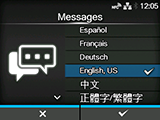
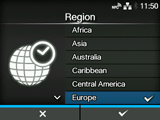
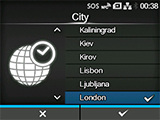
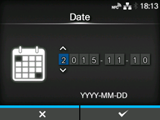
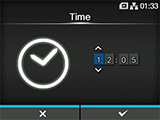
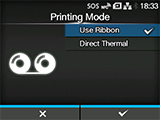
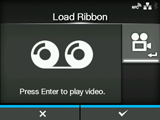
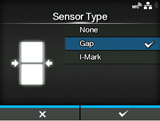
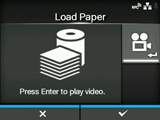
When you power on the product for the first time after purchase, the display shows the startup guide. The startup guide is a function to help you through the initial product settings, such as setting date and time, and loading the ribbon and media.
| • If you have installed the optional RTC (Real Time Clock) kit, the time zone, date and time setting screens appear. |

|
10.
|
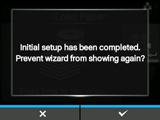

Select whether or not to show the startup guide during the next startup, and press the  button to confirm.
button to confirm.[02-02296-EN]