Applicable models: CL4/6NX
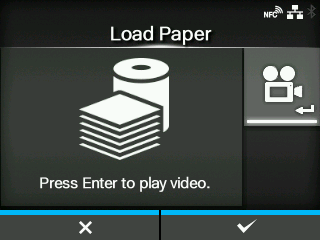
Load the media. You can check the loading method of the media through the video.
|
1.
|
Press the  button. button.
|
For the models other than the
CL4NX linerless model, the selection screen of the video for playback appears. Proceed to step 2.
For the
CL4NX linerless model, the video appears immediately after the
button is pressed. Proceed to step 4.
|
2.
|
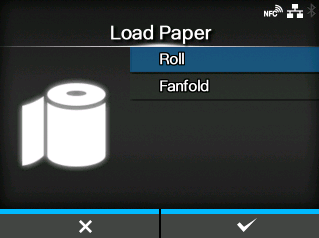
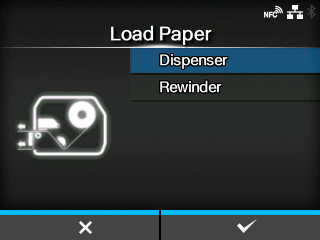
Select the video to playback using the  / / buttons. buttons.
|
For Standard Model and Cutter Model
Shows the video on how to load the media roll.
Shows the video on how to load the fan-fold media.
Shows the video on how to eject the liner out of the product.
Shows the video on how to rewind the liner in the product.
|
3.
|
Press the  button or button. button or button.
|
|
4.
|
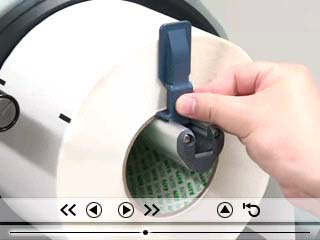
Load the media while checking the video.
|
|
5.
|
After you complete the media setting, press the  button to stop the video. button to stop the video.
|
The display returns to the previous screen.
|
6.
|
Press the button to go to the next screen.
|
[02-02306-EN]