
Applicable models: CL4/6NX
The adjustment of the print speed not only changes the speed of printing but also affects the print quality.
|
• When the [Printing] > [Advanced] > [Prioritize] menu has been set to [Commands] and the print speed is specified by command, the data will be printed with the print speed specified by the command. • While the print job is paused, the [Adjustments] menu will appear instead of the [Settings] menu and you can adjust the print speed. • If the optional linerless cutter kit is installed to CL4NX, the setting range is 2 to 6 (inches/sec) (50.8 to 152.4 mm/sec) regardless of the printing resolution. |

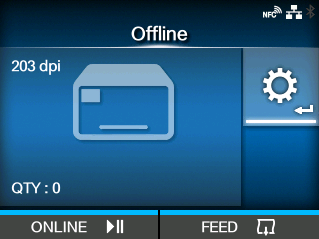

 /
/
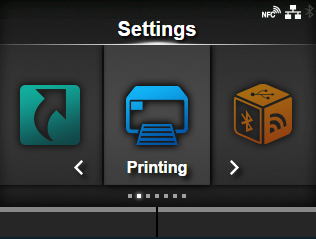
 /
/
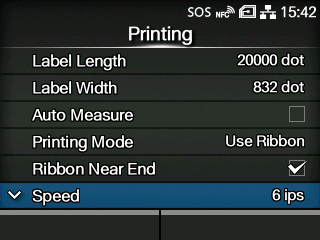
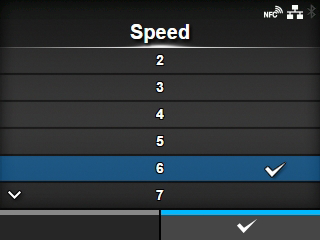

[02-02232-EN]