Applicable models: CL4/6NX
The adjustment procedure for the print darkness is as follows:
 |
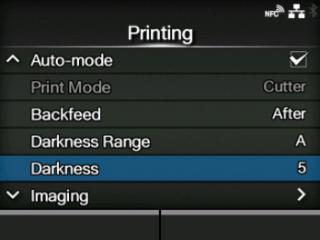
• You can fine tune the print darkness by setting the [Darkness Adjust] in the [Printing] > [Advanced] > [Adjustments] menu.
• When the [Printing] > [Advanced] > [Prioritize] menu has been set to [Commands] and the print darkness is specified by command, the data will be printed with the print darkness specified by the command.
• While the print job is paused, the [Adjustments] menu will appear instead of the [Settings] menu and you can adjust the print darkness.
|
|
1.
|
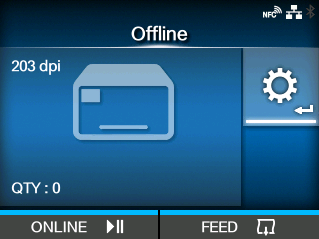
When the product is in Online mode, press the  button to change to Offline mode. button to change to Offline mode.
|
|
2.
|
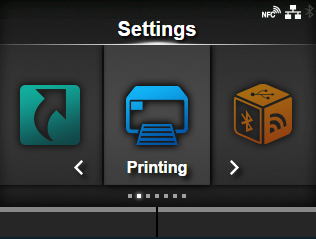
Press the  button to show the [Settings] menu. button to show the [Settings] menu.
|
The
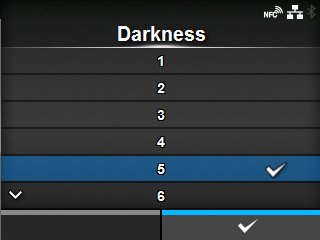
[Darkness] screen appears.
|
5.
|
Press the  / / buttons to select a value. buttons to select a value.
|
The setting range is from 1 to 10. 1 is the lightest and 10 is the darkest.
|
6.
|
Press the  button or button to save the setting value. button or button to save the setting value.
|
|
7.
|
Press the button to change to Offline mode.
|
|
8.
|
Press the button again to change to Online mode.
|
You can print to check the print quality.
[02-02191-EN]

 /
/