Applicable models: CL4/6NX
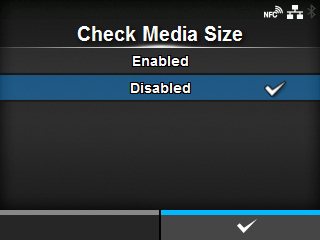
Enable or disable media size check.
Appears if you have selected
[Gap] or
[I-Mark] in the
[Sensor Type] menu.
If this function is enabled, "Media Error" is shown when either of the following conditions applies:
|
•
|
If the media is more than 3 mm (0.12") longer than the media length specified with the media size command ESC+A1.
|
|
•
|
If the current media feed length is more than 3 mm (0.12") longer than the media length fed for the first time after this function is enabled.
|
The options are as follows:
Disable media size check.
 |
• If you have selected [Cut & Print] in the [Print Mode] menu, media errors do not occur. |
[02-02309-EN]