Applicable models: CL4/6NX
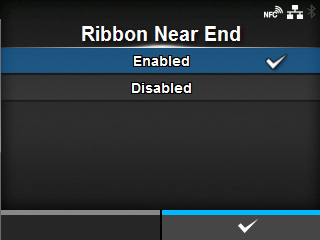
Set whether to detect ribbon near end when the ribbon is nearing the end.
When this setting is enabled and a ribbon near end is detected, this product operates as follows;
|
•
|
The warning icon appears on the screen.
|
|
•
|
The ribbon near end state is output to returning the product status and external signal.
|
Appears if you have selected
[Use Ribbon] in the
[Printing Mode] menu.
The options are as follows:
Enable detection of the ribbon near end.
Disable detection of the ribbon near end.
 |
• The warning icon is shown in the status bar on the upper part of the screen. |
[02-02323-EN]