Applicable models: CL4/6NX
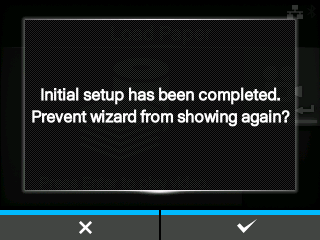
When the startup guide completes, the completion of initial setup screen appears.
|
1.
|
If you want the startup guide to show the next time you start up, press the  button. If not, press the button. If not, press the  button. button.
|
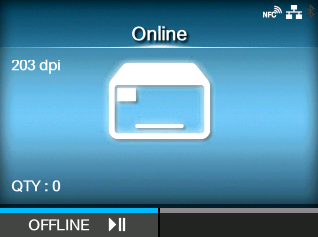
When you press one of the soft buttons, the product automatically feeds the media (to the print head position) and changes to Online mode.
|
|
|
•
|
You can enable or disable the startup guide in [Startup Guide] under the [Tools] menu.
|
|
[02-02307-EN]