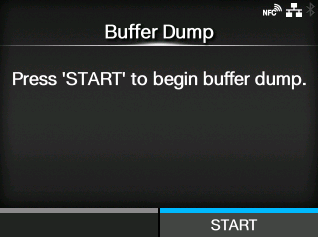
Applicable models: CL4/6NX
Save the receive buffer data to the product.
Available if you have set to
[Disabled] in the
[Hex Dump Mode] menu.
Press the
[START] button (

button) on the startup screen to save the data to the product.
Save the receive buffer data to "buff/" in the product.
|
|
|
•
|
The data files of the receive buffer are created for each type of interface.
|
|
•
|
The details of the files created in "buff/" in the product are as follows:
|
The contents of the receive buffer for Bluetooth.
The contents of the receive buffer for LAN.
The contents of the receive buffer for IEEE1284.
The contents of the receive buffer for NFC.
The contents of the receive buffer for pipe.
The contents of the receive buffer for RS-232C.
The contents of the receive buffer for USB.
The contents of the receive buffer for wireless LAN.
|
•
|
If you perform the [Buffer Dump] again, the existing file will be overwritten.
|
|
[02-02359-EN]