
Applicable models : CL4NX/6NX
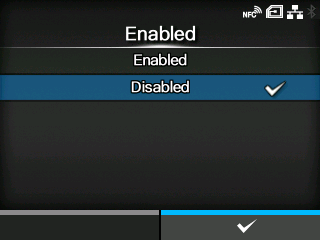
Enable the logging function. When this function is enabled, the log data is saved when powering off the product.
|
• When this function is enabled, log data is saved when powering off, so it may take some time to power off the product. Wait until the product is powered off. • While the log data is being saved, a message that says "Log Saving" appears on the screen. • The product stores log data for the last five times the product was powered off. • The types of log data that are saved are as follows: ◦ Key events ◦ Analysis status ◦ System logs and settings ◦ Shared memory (including receive buffer) ◦ Operational logs for the barcode scanner ◦ SOS operation logs |
[02-02388-EN]