Applicable models: CL4/6NX
Pitch Offset adjusts the offset position and the pitch position at the same time.
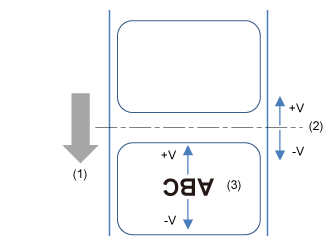
Set the value '+' to move the offset and pitch positions in the direction opposite to the feed direction and '-' to move in the feed direction.
(2) Offset position (backfeed/stop position for Tear-off/Cut/Dispense operation)
(3) Pitch position (leading edge of media position that decides the vertical print position)
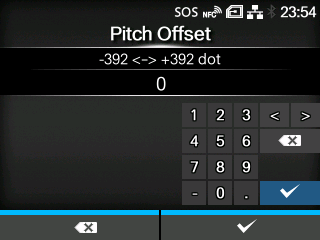
The setting range varies depending on the print resolution of the product.
The setting range is as follows:
|
|
|
•
|
When you have selected [Cutter] in the [Print Mode] menu, and you increase this setting value in the '-' direction, some unnecessary labels may feed. In this case, set a slower print speed.
|
|
[02-03269-EN]