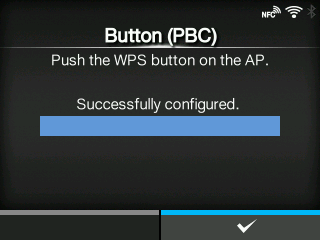
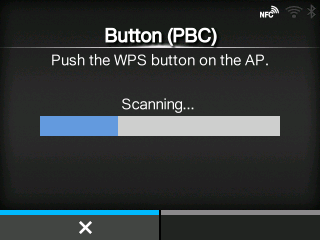
CL-NX [Button (PBC)] Miho 15 May 2026 11:23 Updated Set the wireless LAN connection using the push button method. 1. Select[Button (PBC)]in the[Wi-Fi Protected Setup]menu and press thebutton. 2. When[Scanning...]appears on the screen, press the WPS button on the access point of the wireless LAN device. 3. When the connection to the access point is established,[Successfully configured.]appears on the screen. [03-01329-EN]
 button.