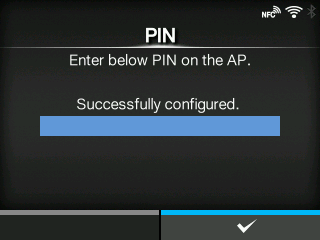
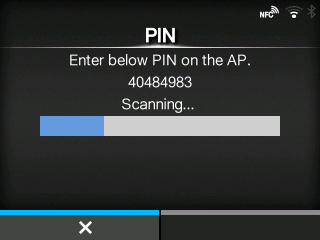
CL-NX [PIN] Miho 15 May 2026 11:23 Updated Set the wireless LAN connection using the PIN code method. 1. Select[PIN]in the[Wi-Fi Protected Setup]menu and press thebutton. 2. When[Scanning...]appears on the screen, set the PIN code shown on the screen to the access point of the wireless LAN or computer. 3. When the connection to the access point is established,[Successfully configured.]appears on the screen. [03-01330-EN]
 button.