Applicable models : CL4NX/6NX
Please refer to the below.
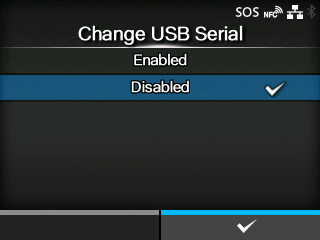
Set the type of the USB serial number that the product returns.
The options are as follows:
Returns the USB serial number (00000000).
This option is suitable when you want to replace the product without adding a new printer driver.
To do so, you need to set this setting to enabled before installing the product.
Returns the factory set USB serial number (unique to each product).
This option is suitable when you want to set the printer driver for each product.
|
|
|
•
|
If two products that have the same USB serial number connected to the same computer, it may cause the computer to show a blue screen error.
|
|
[03-01405-EN]