After doing the settings, return to the[Wi-Fi]screen by pressing thebutton, and then press thebutton to enable the new settings. Press thebutton to cancel the new settings and return to the previous settings.
•
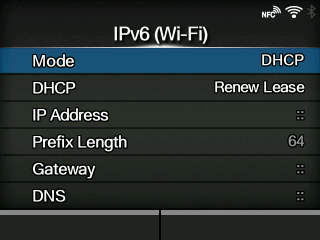
When[Wi-Fi Direct]is active, this[IPv6]screen does not appear. In addition, you cannot change[IP Address],[Prefix Length],[Gateway], or[DNS]if[Mode]is anything other than[Static].

 button, and then press the
 button to enable the new settings. Press the
 button to cancel the new settings and return to the previous settings.