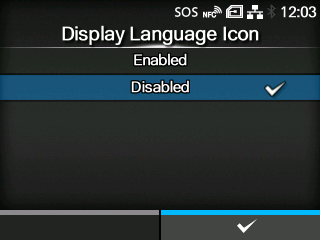
Set whether to display the[Language]icon on the top screen of the[Settings]menu.
The options are as follows:
Enabled
Display the[Language]icon.
Disabled
Do not display the[Language]icon.
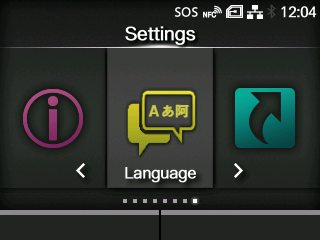
If this function is enabled, the[Language]icon is added to the[Settings]menu screen as below. You can directly access the display language setting screen.