Applicable models: CL4NX/6NX
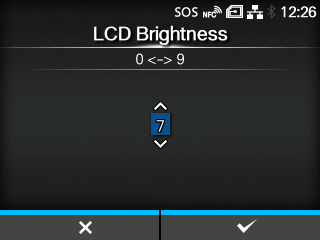
Set the brightness of the screen.
The setting range is from
0 to
9.
0 is the darkest and
9 is the brightest.
Press the

button to complete the setting.
|
|
|
•
|
The product has a built-in energy saving function, which will decrease the brightness of the screen when you have not operated the product for a period.
|
|
[03-02521-EN]