Applicable models: CL4NX/6NX
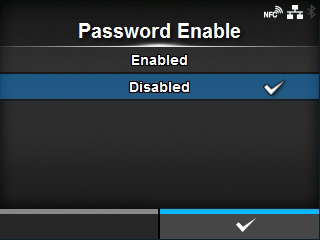
Enable or disable the password setting.
If you have set the password to
[Enabled], the product requires you to enter the password set in the
[Password] screen before you enter the
[Settings] menu.
The options are as follows:
Enable the password setting.
Disable the password setting.
|
|
|
•
|
The default password is 0310. You can change the password in [Password] > [Change Password] > [level1].
|
|
[03-02524-EN]