Applicable models: CL4NX/6NX
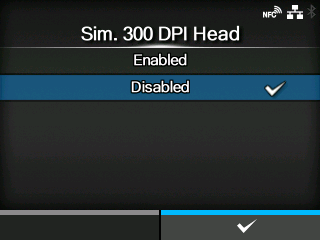
When you are using the product with 305 dpi resolution, enable or disable 300 dpi simulation mode.
The options are as follows:
Enable 300 dpi simulation mode. The sizes and positions of objects such as lines, boxes and barcodes in the print data are automatically adjusted to the equivalent 300 dpi sizes and positions for printing.
Disable 300 dpi simulation mode.
[03-02496-EN]