Applicable models: CL4/6NX
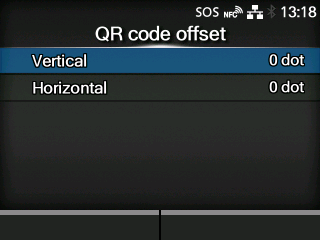
Adjust the print position for printing a QR code displayed on the notification screen for SOS (SATO Online Services).
Appears only if you have selected
[On-Demand] in the
[SOS Mode] menu.
Available only if you have selected
[Print] in the
[Update Screen] menu.
The options are as follows:
Adjust the print position of the QR code in the vertical direction.
Adjust the print position of the QR code in the horizontal direction.
[09-02266-EN]