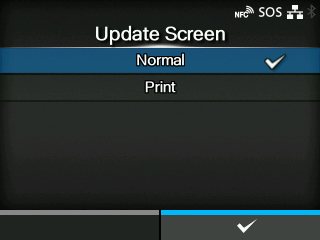
Applicable models: CL4/6NX
Sets whether to print a QR code displayed with SOS (SATO Online Services) periodic notification or Daily Checkup.
Appears only if you have selected
[On-Demand] in the
[SOS Mode] menu.
A specialized application is required to scan the QR code.
The options are as follows:
Shows the scan screen of a normal QR code.
You can execute printing in the scan screen for the QR code. Press the

button to print the QR code.
To print the QR code, use media of more than 33 mm (1.3") in length and more than 33 mm (1.3") in width (not including the liner).
[09-02265-EN]