
The App unable to connect to the SATO printer.
- Ensure your printer is powered on and connected to the same network as your mobile device.
- Check that you have entered the correct IP address or Bluetooth address when adding the printer.
Adding Printers to the Printer List
You can add SATO printers connected via TCP/IP (LAN or Wi-Fi), and Bluetooth (Android device only) interfaces to the printer list. Please note that only printers supported by the Mobile All-In-One Tool can be added.

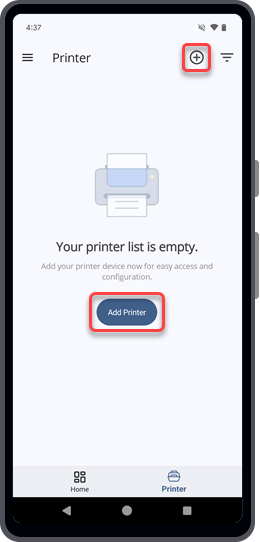
- Make sure the printer is supported by the current version of the Mobile All-In-One Tool.
Supported Models
The following models of SATO printers* are supported by the current version of the Mobile All-In-One Tool:
* Printer availability differs across countries or regions. Please contact your SATO reseller or technical support center for more information.
Mobile All-In-One Tool is undergoing continual refinement, and it is expected that other SATO printer models will be supported in the future, in line with customer demand.
|
[04-80131-EN]